Uncompromised speed for macOS
*In 2022, AV-Test noted Kaspersky VPN’s average download speed was 1400 Mbps.


To get a VPN on your Mac, you can follow these simple steps:
Using Kaspersky VPN on your Mac provides numerous benefits, including protection from cyber threats, the ability to access content created for any region or country, and the ability to surf the web anonymously. Kaspersky VPN uses advanced encryption technologies to protect your online data and keep your online activity private. With servers in various locations worldwide, you can enjoy faster internet speeds and improved streaming quality.
Setting up your own VPN requires technical expertise and can be time-consuming. If you're not familiar with the process, it's recommended to use a trusted VPN provider like Kaspersky instead. With Kaspersky VPN, you can enjoy secure and private internet access without the hassle of setting up and maintaining your own VPN server.
Yes, a VPN can hide your MAC address from your router. When you connect to a VPN, all of your internet traffic is routed through an encrypted tunnel to the VPN server. This means that your router and other devices on your local network only see the IP address of the VPN server, not your device's original IP address or MAC address.
Kaspersky VPN Secure Connection offers advanced security features, such as military-grade encryption, automatic kill switch, and DNS leak protection, to help keep your online activity private and secure. With Kaspersky VPN, you can enjoy private and secure browsing, access content created for any region or country, and protection from online threats.
Using FaceTime over VPN can be secure as long as you use a reliable and secure VPN service like Kaspersky VPN Secure Connection. When you connect to a VPN, your internet traffic is encrypted, making it difficult for anyone to intercept and eavesdrop on your communications, including FaceTime calls. However, it's important to note that not all VPN services are equal, and some may compromise your privacy or security. Kaspersky VPN Secure Connection uses military-grade encryption and has a strict no-logs policy, meaning your online activities and personal data are kept private and secure. Additionally, it offers features such as automatic kill switch and DNS leak protection to ensure your connection is always secure.
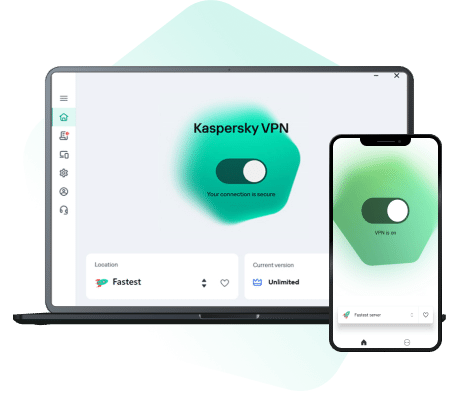
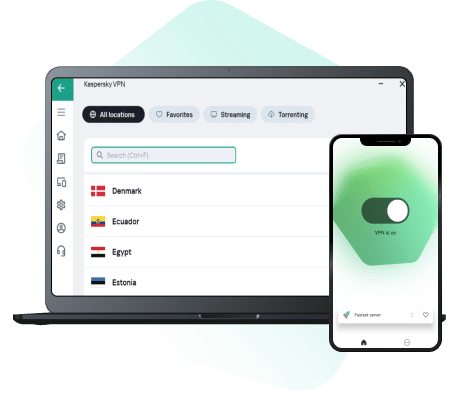
Kaspersky VPN Secure Connection offers a user-friendly interface, multiple server locations, and fast connection speeds. With its secure and reliable service, you can easily set up and use a VPN on your macOS device to protect your online privacy and security.


English
English
We use cookies to enhance your website experience. We collect visit statistics for internal analytics and testing to offer you the best deals. Prices may vary based on your visit frequency and browser cookies. For further details, click on more Information.